Tutorials
which I bring this time is how to create water droplets with coreldraw.
First we need rectangle that will be used to for base.
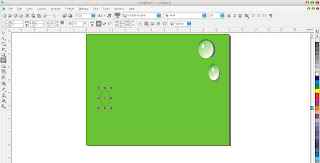
Press f7 on the keyboard to create an elips. Pres ctrl+c in the active elips and then press crtl+v in the same place three times.
 Drag
the elipses anywhare you want until the elipses do not overlap anymore.
Paint one of elipse with gray. Then remove outline of the steps as in
the picture beside this.
Drag
the elipses anywhare you want until the elipses do not overlap anymore.
Paint one of elipse with gray. Then remove outline of the steps as in
the picture beside this.
 Color one of elipse again with green and remove outline such the ways above. Use the interactive fill tool to colorize this one.More detail take a look at the picture beside.
 pain one another elipse with green that are more dark then the previouse elips.
 activated the green elipse then click to front,place the green elipse onto tgray elipse.

Do the step above on the other elipse

create smaller elipse and paint with the white one. Click Interaktive Shadow Tool to make efek glossy.
 for more colorize detail take a look at the picture beside.

drag it onto green elips like picture beside. And the result like this. Good luck!!

Press f7 on the keyboard to create an elips. Pres ctrl+c in the active elips and then press crtl+v in the same place three times.
 Drag
the elipses anywhare you want until the elipses do not overlap anymore.
Paint one of elipse with gray. Then remove outline of the steps as in
the picture beside this.
Drag
the elipses anywhare you want until the elipses do not overlap anymore.
Paint one of elipse with gray. Then remove outline of the steps as in
the picture beside this.
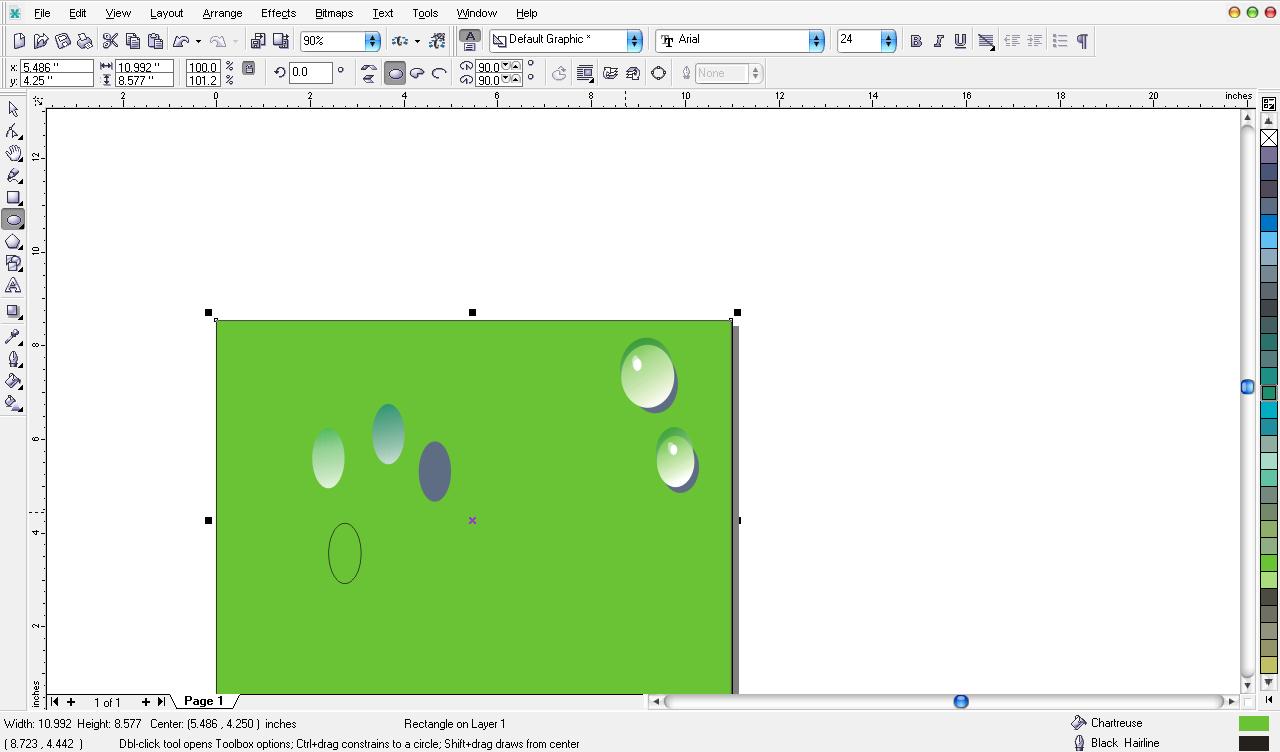


Do the step above on the other elipse

create smaller elipse and paint with the white one. Click Interaktive Shadow Tool to make efek glossy.


drag it onto green elips like picture beside. And the result like this. Good luck!!